Zero Sum Square Root Guide: Perfect Squares & Root Modes
Master the Zero Sum square root operator: spot perfect squares, chain clean roots into combos, and use Root Shotgun and root walls to clear swarms fast.
Jump to
How the Square Root Operator Works
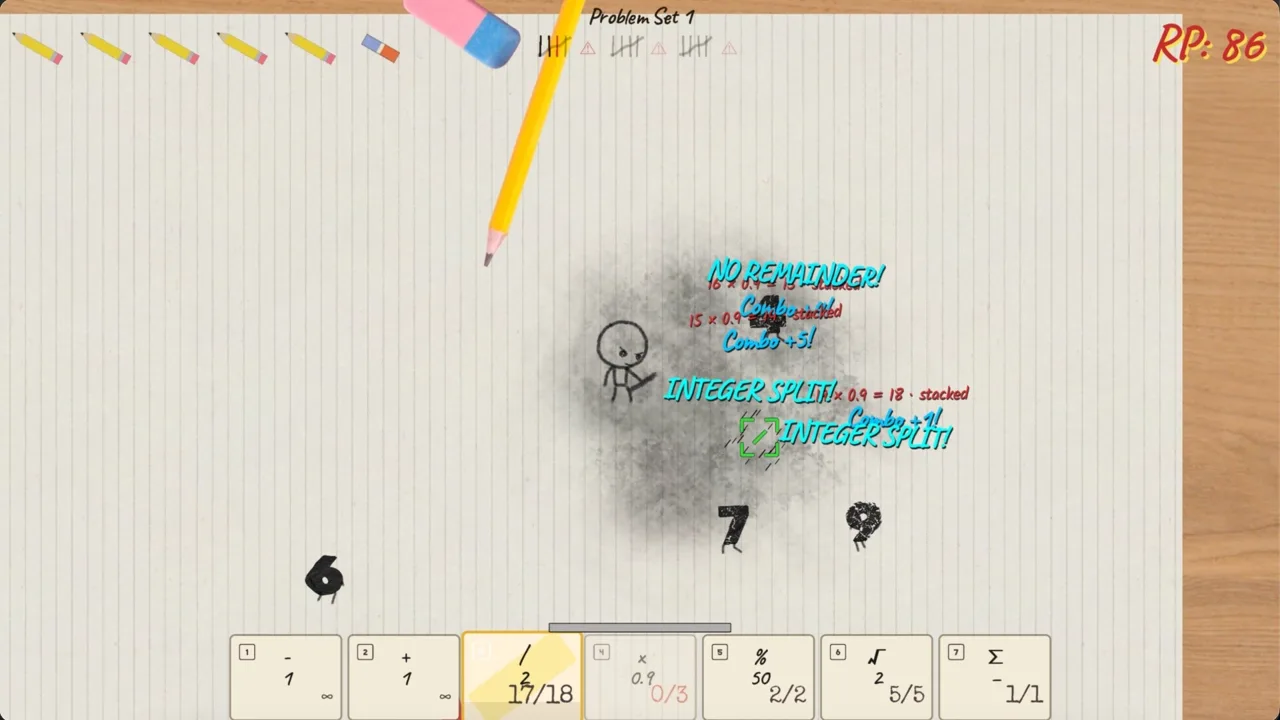
A 256 is barreling toward you, and you have a second to decide. Do you chip at it with minus, or do you drop it to 16 with a single √ shot? The Zero Sum square root operator shatters massive squares into rubble. The catch is that it only lands a clean kill on a perfect square.
Zero Sum treats every enemy as a live integer, and you win by reducing each one to exact zero. Root's job is to collapse big values into small ones that your other operators can finish. A clean root counts toward your Clean Combo Multiplier. A sloppy shot does the opposite. It breaks your streak and can leave you facing more enemies than you started with.
The core loop looks like this:
- Root the big square. For example, √144 = 12.
- Hand the result off. Divide 12 down to 3 with ÷2, ÷2, then finish with minus.
- Mix your operators. Chaining clean kills across different operators is what builds big combo multipliers. Root-into-division-into-minus is exactly the variety the scoring rewards.
Perfect Squares Worth Memorizing
You don't have time for a calculator mid-wave. Learn these on sight, along with the chains that follow from them:
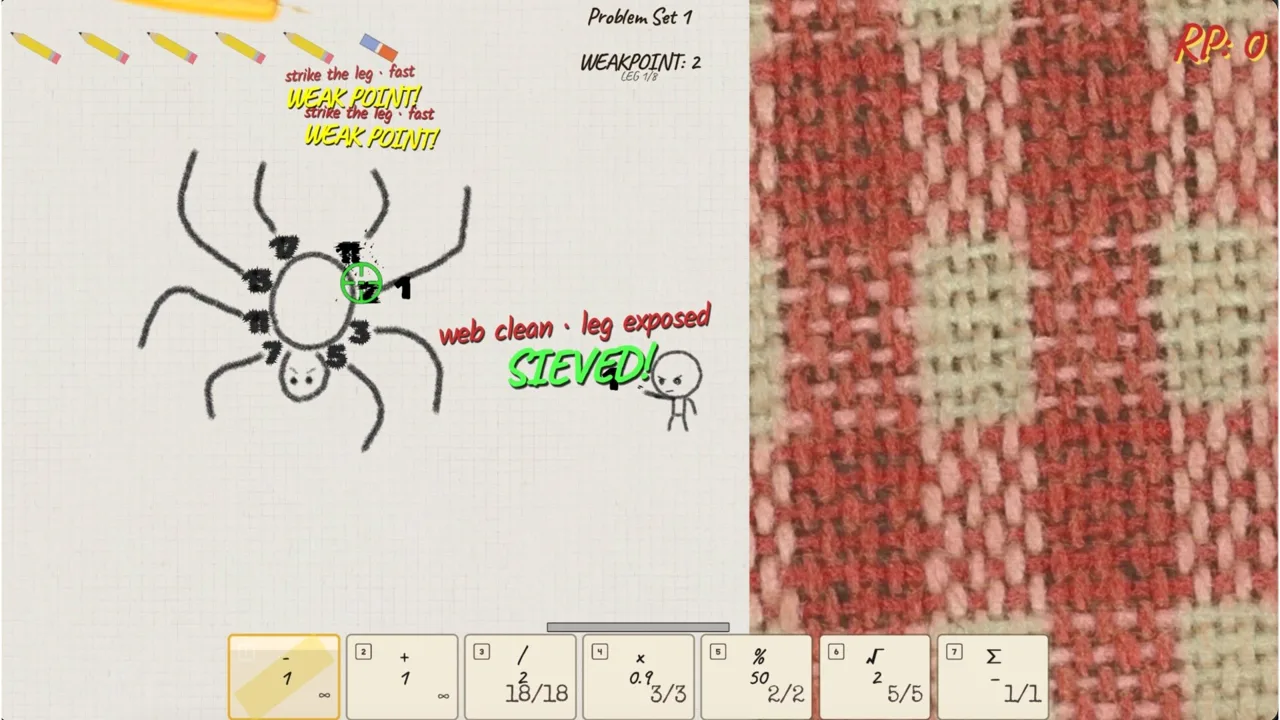 Image: Steam / Power Plins Games
| Enemy value | After √ | Clean follow-up |
|---|---|---|
| 16 | 4 | √ again → 2, then −2 |
| 36 | 6 | ÷2 → 3, then minus |
| 64 | 8 | ÷2 three times → 1, then −1 |
| 81 | 9 | √ again → 3, then minus |
| 144 | 12 | ÷2, ÷2 → 3, then minus |
| 256 | 16 | √ → 4, √ → 2, then −2 |
| 625 | 25 | √ → 5, then minus |
Notice the double-root numbers like 16, 81, 256 and 625. These are fourth powers, so two root shots take each of them down to a single digit.
Setting Up a Clean Root
Most numbers on the field aren't perfect squares, so you have to build one. Your setup tools are:

- Minus and Plus. Nudge a value onto a square before rooting it. A 632 becomes 625 with −7. Two roots turn that into 25, then 5. Add +2 to reach 7, then −7 for zero.
- Optimizer. This Plus mode adds value to the target until it reaches a number that your equipped division, modulo or root can handle. With √ in your loadout, Optimizer becomes a dedicated square-maker.
- Sigma and Sum Barrier. Sigma vacuums a swarm of small numbers into one target whose value is their sum. Sum Barrier merges everything into a line and releases it as one number when its timer expires. Either one turns a crowd into a single big target. Follow up with a nudge and a root.
- Multiplication's control tools. Slow Field and Freeze Line buy you thinking time. Use them when you need a few extra seconds to work out the right adjustment before committing your root ammo.
Run the math before you fire. Rooting a non-square is how waves spiral out of control.
Root Firing Modes
Like every operator, root's behavior changes depending on the firing mode you unlock:
 Image: Steam / Power Plins Games
- Root Shotgun. Pulps clusters in a single blast. Use it when a pack of identical squares, like a group of 16s, rushes you together.
- The root wall. This mode was reworked just before the November 17, 2026 launch. It replaced the old Root Bomb lob, which overlapped too much with the Root Shotgun, Division Lob Blast and modulo's default mode. The wall now travels across the map and roots everything it touches. It's the first operator mode that can affect the whole map at once.
Because the wall roots indiscriminately, set the field up before you release it. Every non-square it touches becomes a messy result rather than a clean kill.
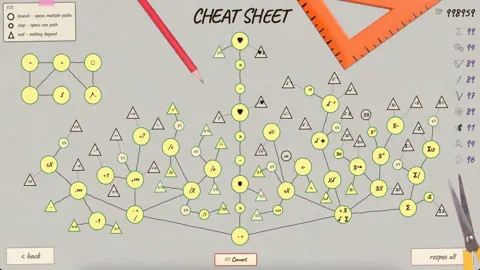
The upgrade tree includes math examples and short clips showing how each mode behaves. Check them before you spend currency on a new root mode.
Root in Verdict Mode and Boss Fights
Verdict Mode. This is where root gets brutal. ÷, √ and % either solve a number cleanly or punish you, and you draft operators mid-run during its endless survival. Only take √ when you trust yourself to recognize perfect squares under pressure.
The Summation Serpent. This boss uses root as part of its segment formulas. Each segment needs 2–3 operator hits to reach 0 cleanly, and root can only ever be the first operator on a segment. Here are two example sequences:
- root → minus → minus
- division → division → minus
When you spot a perfect square on a segment, open with √. Then finish it before the timer runs down. On Hard (Teacher), you also have to stay ahead of the chasing snake head.
Unlocking Root and Managing Ammo
Root is unlocked through the skill tree between runs. That tree has 100+ nodes of permanent upgrades.
Ammo is limited by design. Between waves, you spend RP in the shop to:
- restock your operators,
- raise your ammo caps, or
- upgrade your operators.
You earn more RP by playing cleanly. That means combos, smart plays and Perfect Waves.
Treat early root ammo as precious. Before you root a cluster of 16s, check whether a 256 is coming that needs the shot more. If you're still learning your squares, Easy (Pupil) gives you an active pause and slower enemies. That's the best place to drill root chains before moving up to Student or Teacher.
Zero Sum is out now on Windows, macOS and Linux/SteamOS. You can pick up Zero Sum on Steam for $11.99, or $8.99 with the launch discount until December 1. There's also a free demo on the official Zero Sum website.
Continue with
 Zero Sum Best Firing Modes: Operator Loadouts That WinDiscover the Zero Sum best firing modes for all seven operators, from Root Wall and Mod Mine to Sigma vortexes, plus tips for chaining big clean combos.
More in Operators
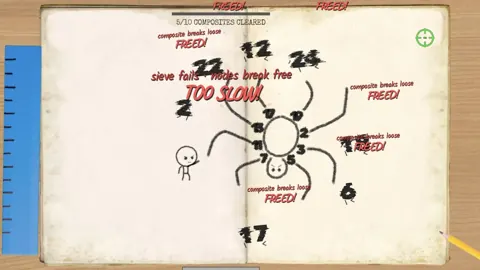
Zero Sum Division Guide: Clean Splits, Chains and Combos
Master Zero Sum division: when to fire ÷, how to dodge remainders and primes, and how chain splits feed Clean Combos and rare achievements. Sharpen up now.
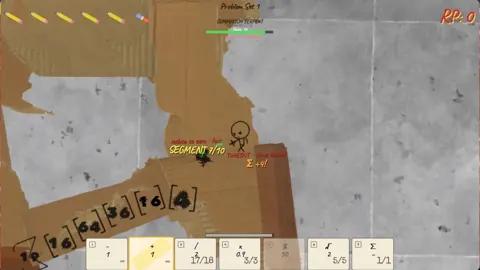
Zero Sum Firing Modes: Every Operator Weapon Explained
Zero Sum firing modes turn seven math operators into 22 weapon styles. Learn what each operator does, how clean kills work, and how to stretch your ammo.
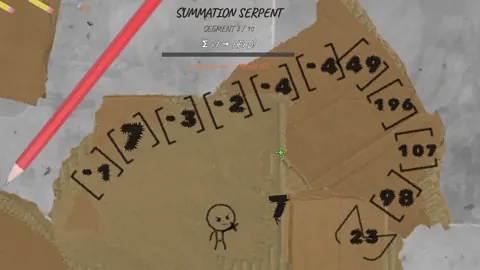
Zero Sum Modulo Guide: How to Nuke Big Numbers Cleanly
Master the Zero Sum modulo operator: how remainders work, when to fire Mod Blasts and Mod Mines, and how to earn the ultra-rare A Big Deal achievement.
Zero Sum Operators Guide: All 7 Math Weapons Explained
Master all seven Zero Sum operators, from Division and Root to Modulo and Sigma, with firing modes, clean kill rules and combo tips to carry every run.
Continue exploring
Join the community
Official channels for news, updates and player help: