Zero Sum Firing Modes: Every Operator Weapon Explained
Zero Sum firing modes turn seven math operators into 22 weapon styles. Learn what each operator does, how clean kills work, and how to stretch your ammo.
Jump to
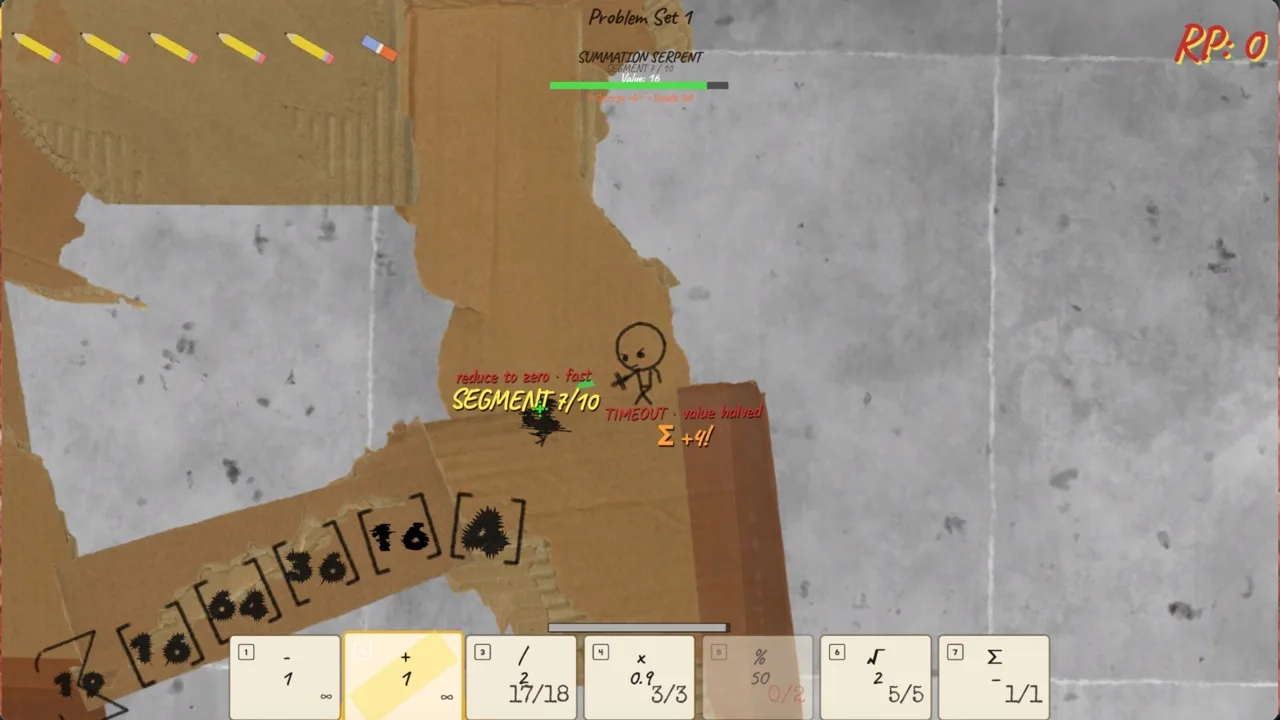
Zero Sum firing modes change what each math operator does to an enemy's value, so they decide whether you clean up a wave or bury yourself in remainders. The game has seven operators (+, −, ÷, ×, %, √ and Σ) and 22 unlockable firing modes. Knowing what each one does is how you stop spamming −1 and start collecting Clean Combo payouts.
How Operators and Firing Modes Work Together
Every enemy is a live integer, and your goal is to bring it to exactly zero. Each operator is a weapon with its own job, and each firing mode changes how that weapon delivers its math. One mode might fire rapid single shots, another might bounce between targets, and another might drop a trap on the floor.
The core loop looks like this:
- A 48 charges you. Fire ÷2 and it becomes 24. Three more divisions take it to 12, 6, then 3. Switch to minus and finish it.
- Clean kills are what you're aiming for. Divide with no remainder, root a perfect square, or land a modulo that leaves exactly zero.
- Sloppy shots keep you alive but spawn extra enemies and break your streak.
Ammo is limited by design. Between waves you visit the shop, where you spend RP (the run currency) to restock ammo, raise ammo capacity, or upgrade operators. Clean play earns more RP, so better math funds stronger builds.
Every Operator and Its Known Modes
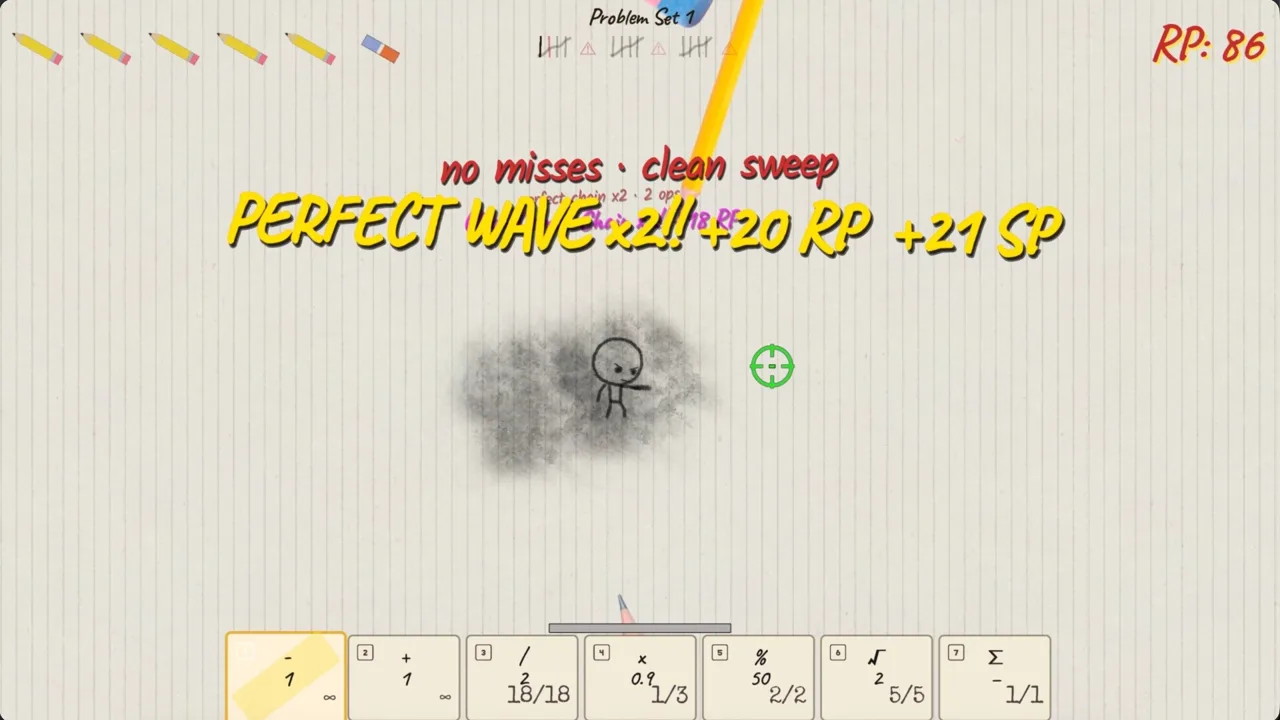 Image: Steam / Power Plins Games
| Operator | Core job | Modes and behaviors |
|---|---|---|
| + Plus | Setup: nudge awkward values into clean ones | Optimizer (contextual plus) |
| − Minus | Setup and finishing | Standard Minus, Execute for stragglers |
| ÷ Division | Halve high-value targets | Chain-division that ricochets through swarms, Division Lob Blast |
| √ Root | Shatter big perfect squares | Root Shotgun, Root Wall |
| % Modulo | One-hit nukes when the remainder is zero | Modulo Mine, bouncing modulo chains |
| × Multiplication | Field control | Slowing traps, freeze lines |
| Σ Sigma | Merge swarms into one target | Sigma vortex, Σ barrier, Σ aura |
Plus and Minus
These two are your precision tools. Primes shrug off clean division, so add or subtract to push them onto a clean multiple first. Optimizer is built for exactly that kind of manipulation. Execute is the tool for wiping out leftover low numbers.
Standard Minus counts as a clean combo when you fire a value of 2 or higher, including when it reduces a number cleanly to 0, such as firing a 2 at a 2. Only −1, +1 and ×1 shots never count toward combos. If you lean on those, your ammo runs dry and your multiplier flatlines.
Division
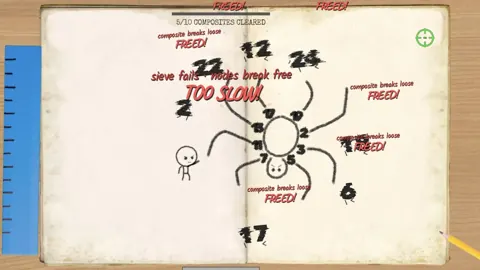
Division cleaves big targets in half, but only cleanly on even numbers. Chain-division is the late-run payoff: your divides ricochet through a crowd instead of stopping at one number. Before you fire, check whether the result will still be even. Three clean halvings followed by a minus finisher is the classic pattern.
Root
Root turns a huge perfect square into rubble in one hit, and it only works cleanly on perfect squares. The Root Shotgun pulps whole clusters in a single blast.
The Root Wall arrived just before launch. It replaced the old Root Bomb, a lobbed area attack that played too much like the Root Shotgun, Division Lob Blast and the default Modulo mode. The Wall sweeps across the map and roots everything it touches. It's the first operator mode that can affect the entire map at once, so hold it for screens packed with squares.
Modulo
Modulo is your nuke. It can delete even the biggest numbers in one hit, but only if the remainder lands on zero. The Modulo Mine got a major visual overhaul before release, so it now reads clearly in the chaos. Player bullets also use a different font, so you can tell your shots apart from enemy numbers. Bouncing modulo chains carry that nuke across several targets.
Multiplication
You never use × to make numbers bigger, because that works against the goal. Multiplication and modulo upgrade downward instead: 1, then 0.9, then 0.8. Multiplication's modes lay slowing traps and freeze lines that buy time to do the math on the rest of the wave.
Sigma
Sigma vacuums a swarm of small numbers into one large target that divides cleanly. The Sigma vortex can swallow half the screen, and its barrier and aura variants control space. Since patch v1.1.0 (November 19, 2026), missing with Σ and running dry on ammo no longer makes the remaining enemies vanish without ending the wave. That situation now resolves properly and no longer counts as a Perfect Wave by mistake.
Unlocking and Upgrading Firing Modes
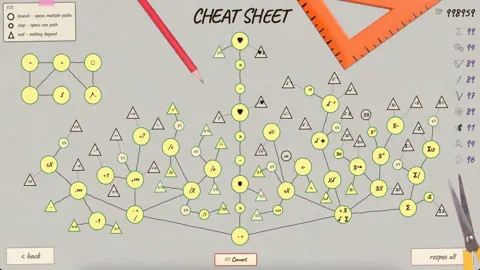
New operators and modes come from the meta side of the game. You earn SP and spend it on a Skill Tree with more than 100 nodes, which holds permanent weapon alterations between runs. Inside a run, RP covers ammo and temporary upgrades.
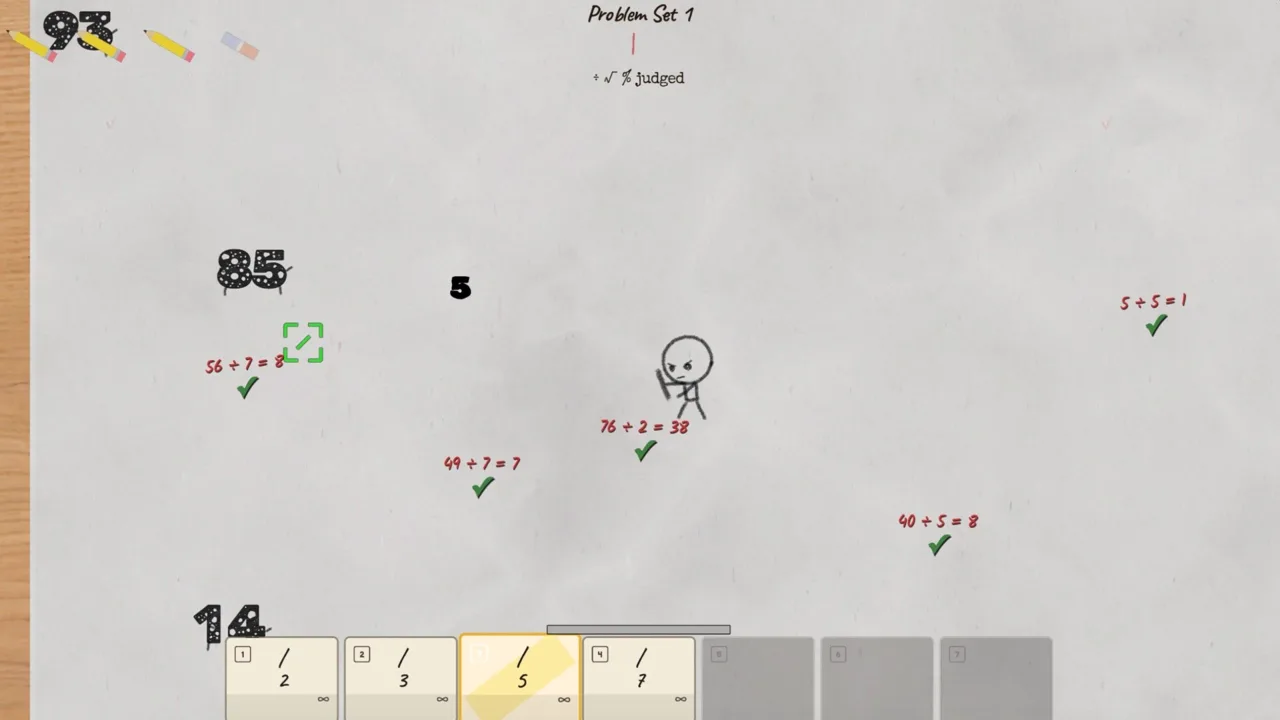 Image: Steam / Power Plins Games
A pre-launch update added math examples and short clips to the upgrade tree, showing how each weapon behaves. Watch those clips before you commit SP to a new mode.
You can also trade RP for SP. Wave challenges make the next wave harder, for example by spawning every number as a prime, giving every enemy ×7 value, or making all enemies negative. In exchange they cost slightly less RP and pay out SP. Take them only when your math is sharp enough to handle the harder wave.
Ammo Decisions That Win Runs
Early runs are about rationing. Use these habits:
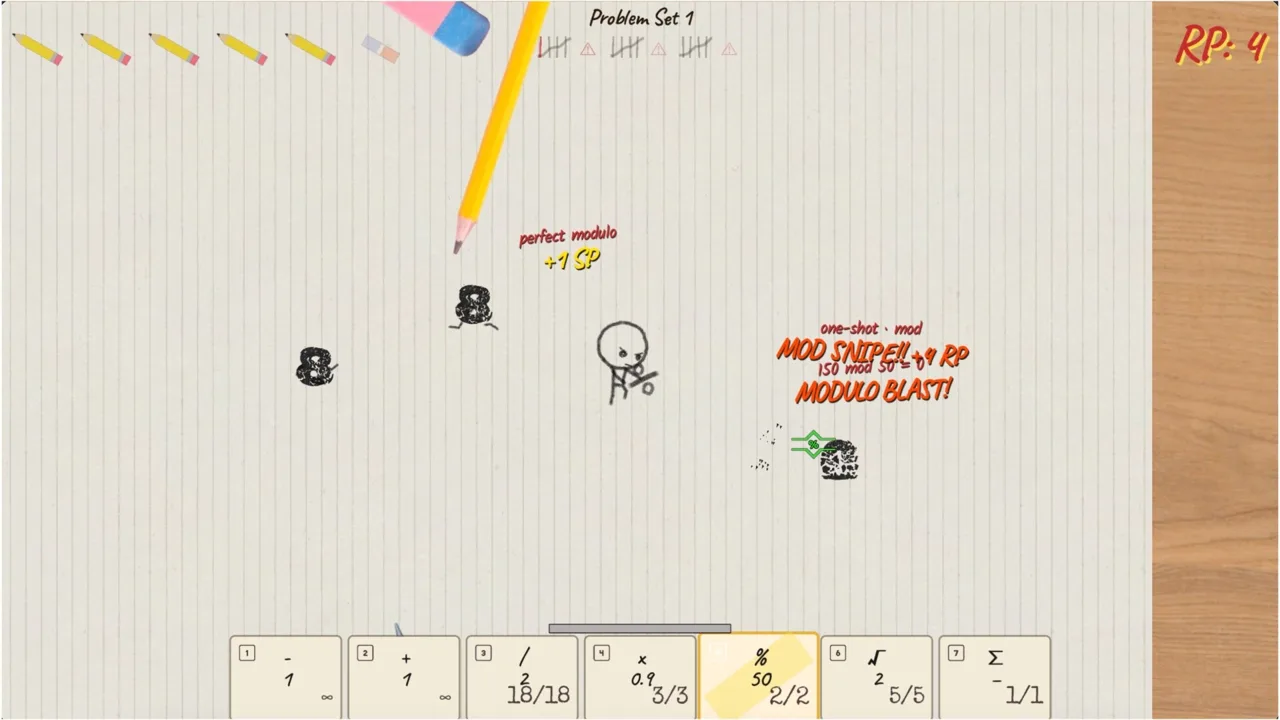 Image: Steam / Power Plins Games
- Spend division on big targets. A 72 can be whittled down with minus, but spending a division shot keeps the clean combo alive and saves minus ammo.
- Hold root for the tank. Before rooting a cluster of 16s for instant clears, check whether a tanky 256 is barreling toward you and keep root ammo for it.
- Prep primes before you divide. Nudge a prime with + or − first, then divide.
- Use Σ on swarms, not singles. Merging small numbers into one divisible target saves several shots.
- Dash through chargers. A charging enemy won't stop its charge, so dashing through it opens distance and gives you time to line up a clean shot.
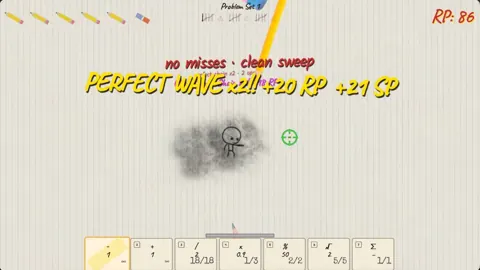
Chaining clean kills across different operators builds the Clean Combo Multiplier. Perfect Waves pay big bonuses and also count toward your Steam leaderboard score. If you keep missing Perfect Waves, open the Teacher's Combo Guide in the loadout screen. Little squiggly arrows start appearing around its button the longer you go without a Perfect Wave.
Firing Modes Across Game Modes
- Standard Mode is the full roguelite loop with your unlocked loadout, the shop and shop curses.
- Verdict Mode is an endless survival gauntlet with mid-run operator drafting. Here ÷, √ and % either solve a number cleanly or punish you, so only fire them when the math checks out.
- Target Mode reverses the goal. You turn each number into a set target value using +, × and Σ within a strict operation limit. Since v1.1.0, a number that runs out of operations without reaching its goal counts as a miss and leaves the field, so waves no longer softlock.
- Problem Sets let you build challenges with fixed operator loadouts and share them as codes. It's a good way to practice one operator in isolation.
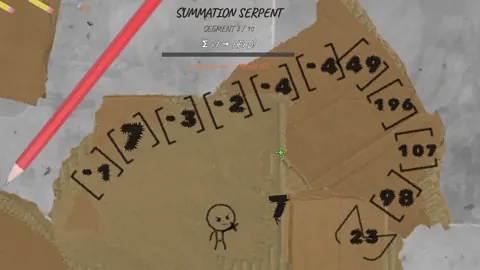
Boss fights test specific operators too. The Summation Serpent's segments each need 2–3 operator hits to reach zero cleanly, such as division → division → minus or plus → plus → modulo. Root can only be the first operator on a segment.
Zero Sum is out now for Windows, macOS and Linux. You can pick it up or try the free demo on the Zero Sum Steam page, and see more of the game on the Power Plins Games official site.
Continue with
 Zero Sum Modulo Guide: How to Nuke Big Numbers CleanlyMaster the Zero Sum modulo operator: how remainders work, when to fire Mod Blasts and Mod Mines, and how to earn the ultra-rare A Big Deal achievement.
More in Operators
Zero Sum Best Firing Modes: Operator Loadouts That Win
Discover the Zero Sum best firing modes for all seven operators, from Root Wall and Mod Mine to Sigma vortexes, plus tips for chaining big clean combos.
Zero Sum Division Guide: Clean Splits, Chains and Combos
Master Zero Sum division: when to fire ÷, how to dodge remainders and primes, and how chain splits feed Clean Combos and rare achievements. Sharpen up now.
Zero Sum Operators Guide: All 7 Math Weapons Explained
Master all seven Zero Sum operators, from Division and Root to Modulo and Sigma, with firing modes, clean kill rules and combo tips to carry every run.
Zero Sum Sigma Operator Guide: Modes, Combos & Achievements
Master the Zero Sum Sigma operator: how its three modes merge swarms into one target, clean follow-ups, Sum Barrier SP farming, and its two achievements.
Join the community
Official channels for news, updates and player help: