Zero Sum Remainders Explained: Clean Kills and Combos
Messy Zero Sum remainders spawn extra enemies and wipe your combo. Learn how clean division, roots and modulo work, plus tips to keep every wave perfect.
Jump to
Why Remainders Are the Real Enemy
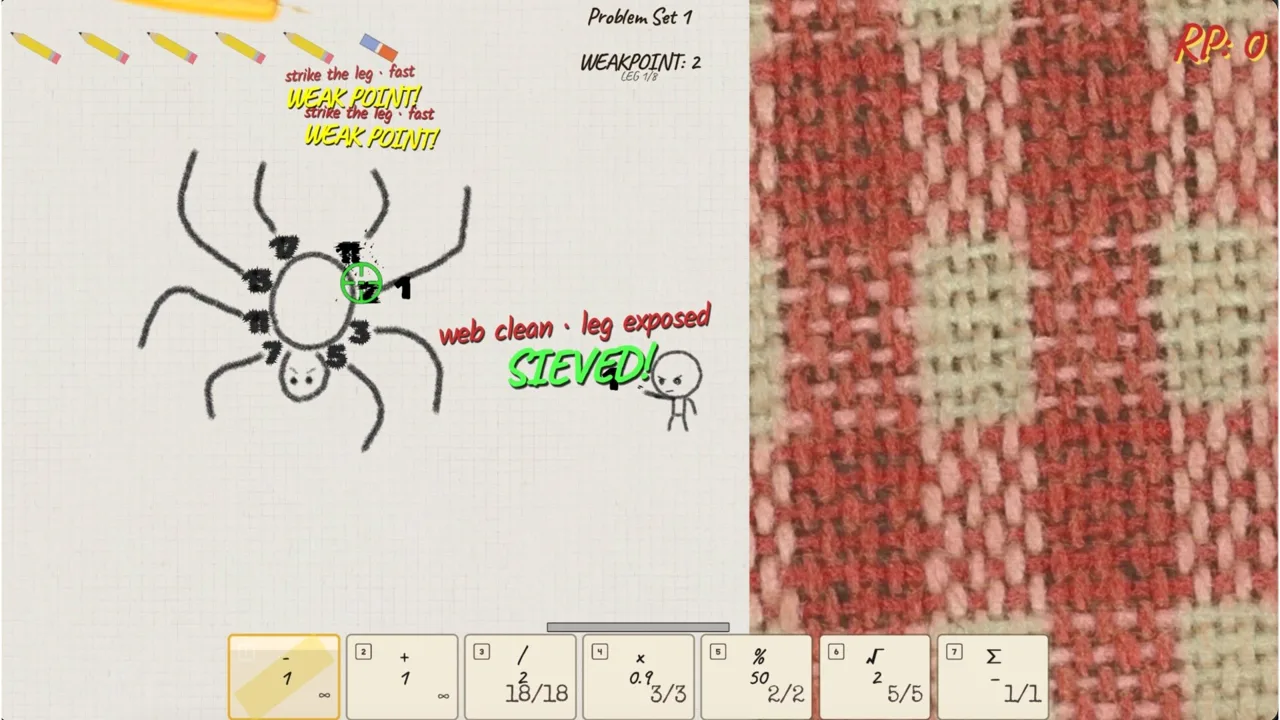
In a game where every enemy is a number, the scariest thing on screen is often one you created yourself. Zero Sum remainders are what's left when a division, root or modulo shot doesn't land cleanly, and they punish you twice. Your reward multiplier drops back to zero, and a fresh, more dangerous enemy joins the wave. If you want big payouts, Perfect Waves and leaderboard scores, learn to avoid remainders before you learn anything else.
Zero Sum is built around one rule: reduce every number to exact zero. Sloppy kills will still get you through a wave. Clean math is what makes a run snowball, because clean kills chained across different operators build the Clean Combo Multiplier. A wave with no messy remainders pays out a large bonus on top.
Clean Kill Rules by Operator
Each "heavy" operator has a condition it must meet to count as clean. Miss that condition and the leftover becomes a new problem.
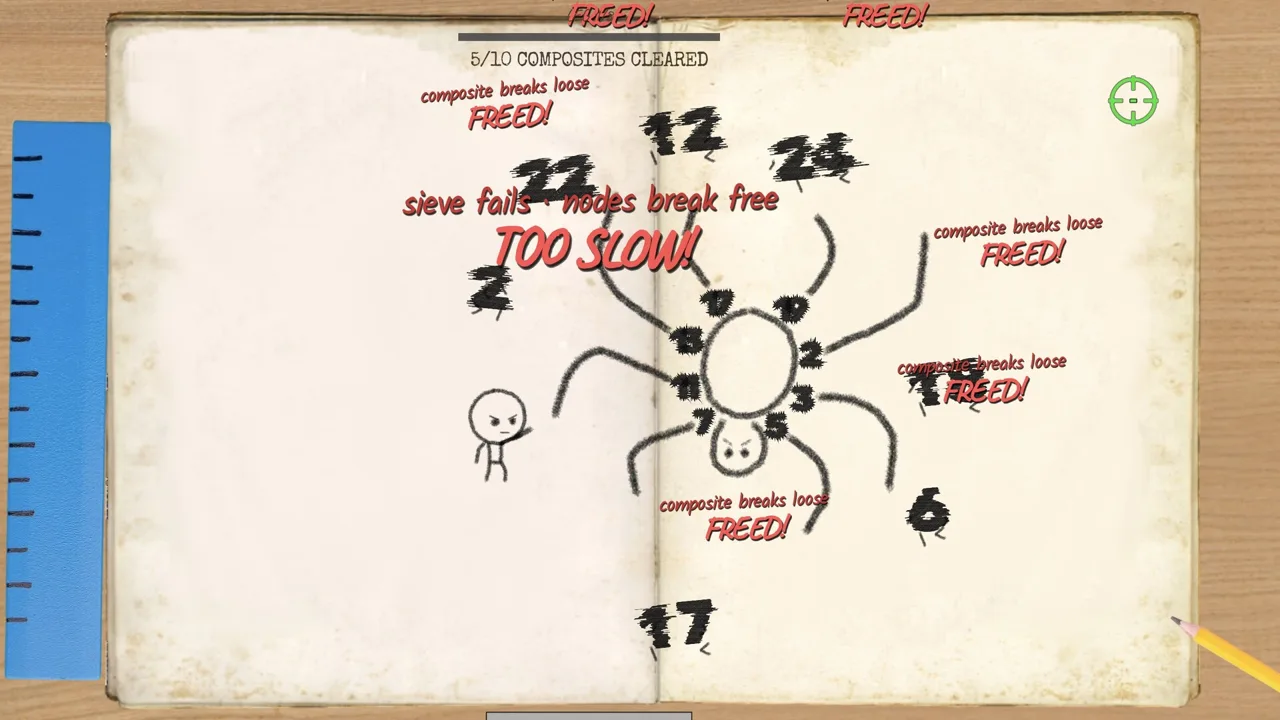 Image: Steam / Power Plins Games
| Operator | Clean when… | Example |
|---|---|---|
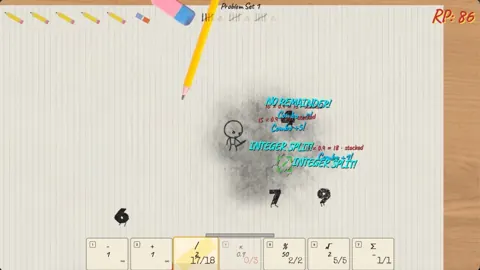
| ÷ Division | The number divides with no remainder | 48 ÷2 → 24 → 12 → 6 → 3 |
| √ Root | The target is a perfect square | 49 or 36 roots cleanly |
| % Modulo | The result is exactly zero | %80 on a 960 → 0, since 960 is 80 × 12 |
| − Minus | A value of 2 or more takes the number exactly to 0 | Firing a 2 at a 2 |
Two details matter here. First, the basic −1, +1 and ×1 shots never count as clean, so spamming them keeps you alive but doesn't build your combo multiplier. Second, modulo is your nuke. A single well-chosen %80 on a tanky 960 erases it outright. Do the mental check first: if the big number isn't a multiple of your modulo value, you've just spawned a remainder.
Setting Up Shots So Nothing Is Left Over
Most remainders come from firing a heavy operator at a number that isn't ready for it. Fix the number before you fire:

- Nudge primes with + or −. Primes won't divide cleanly. Push a 47 to 48 with Plus, then start dividing.
- Use the Optimizer. This Plus firing mode adds value to the target until it reaches a number your equipped division, modulo or root can handle. It's the easiest way to turn an awkward value into a clean setup.
- Finish with Minus, not division. When a number shrinks to a small odd value like 3, switch to Minus and take it to zero, the way the classic 48 → 3 chain ends.
- Merge swarms into one target. Sigma pulls a crowd of small numbers into one large number that divides cleanly. Sum Barrier collects everything into a line and releases it as a single number when its timer runs out. Solving one big number is much easier than solving eight small ones under pressure.
- Buy time with Multiplication. Slow Field multiplies enemies by 0.9, and Freeze Line locks the field down. Use them to slow the wave before you commit to a risky division.
- Ration your heavy ammo. Ammo is limited. Decide early whether to spend division on a 72 for the combo or save your roots for the 256 rolling toward you.
If you keep finishing waves without a Perfect score, open the Teacher's Combo Guide button in the Loadout screen. It explains the combo system in more depth than the short tutorial does.
How Remainders Play Out Across Modes and Difficulties
 Image: Steam / Power Plins Games
Standard Mode lets you recover from sloppy shots. You lose the combo and gain an extra enemy, but the run continues. Verdict Mode is less forgiving. There, ÷, √ and % either solve a number cleanly or punish you, so don't fire a heavy operator on a guess.
Difficulty changes how much a misfire hurts, because hitting a number changes how it moves:
- Pupil (easy): numbers move a little slower, only start running after the second hit, and calm down sooner. Pupil is also the only difficulty with an active pause.
- Student (normal): numbers start running after the first hit but drop their aggro after a while.
- Teacher (hard): numbers never lose aggro, so one bad shot can snowball through the rest of the wave.
When a charging number lines up on you, dash through it. It won't stop its charge, which gives you room to plan your next clean shot.
Wave Challenges raise the stakes further in exchange for SP. Some variants make every number spawn as a prime, multiply all values by 7, or turn every enemy negative. Prime-only waves in particular call for Optimizer or Plus setups before every heavy shot.
Remainders on Cardboard and the v1.1.0 Fix
On the Cardboard map, remainder numbers could be knocked out of the arena in the launch build. When that happened, the wave couldn't end and the game softlocked. The v1.1.0 patch from November 19, 2026 fixed this, so remainders now stay in bounds. The same patch stopped TANKY enemies from spawning on top of each other and fixed a Σ softlock: running out of ammo after a missed Sigma shot made the remaining enemies vanish without ending the wave. That wave now resolves properly and no longer counts as a Perfect Wave by mistake.
You can pick up Zero Sum or try the free demo on its official Steam store page.
FAQ
Do remainders show up in the Summation Serpent fight?
The serpent's segments are designed to reach zero cleanly in two to three operator hits, for example division → division → minus or plus → plus → modulo. Root can only be the first operator on a segment, so plan your sequence before you start shooting.
Can I build challenges that test remainder skills?
Yes. The Problem Set & Challenge Editor lets you set fixed loadouts, number patterns and resolution rules, including what happens on a wrong hit. Its built-in validation flags configurations that can't be solved before you export the share code.
Continue with
 Zero Sum Bosses Guide: Mechanics, Phases and CountersZero Sum bosses turn real math into multi-phase fights. Learn to break the Euler Owl, Prime Sieve Spider, Factorial Factory and more on every difficulty.
More in Enemies
See all Enemies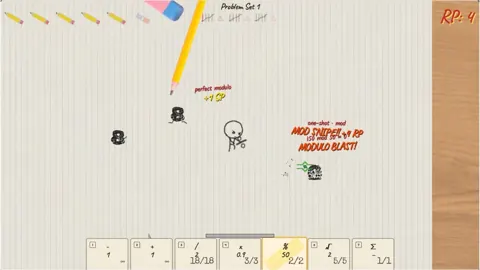
Continue exploring
Zero Sum Clean Combo Guide: Build Huge Multipliers Fast
Master the Zero Sum clean combo: learn which shots count as clean, how to chain operators, and how to farm Perfect Waves for RP and leaderboard scores.
Zero Sum Challenge Editor: Build, Share and Grade Puzzles
Master the Zero Sum challenge editor: build custom problem sets, set grade thresholds, share codes with friends or chat, and learn the v1.1.0 changes.
Join the community
Official channels for news, updates and player help: