Zero Sum Challenge Editor: Build, Share and Grade Puzzles
Master the Zero Sum challenge editor: build custom problem sets, set grade thresholds, share codes with friends or chat, and learn the v1.1.0 changes.
Jump to
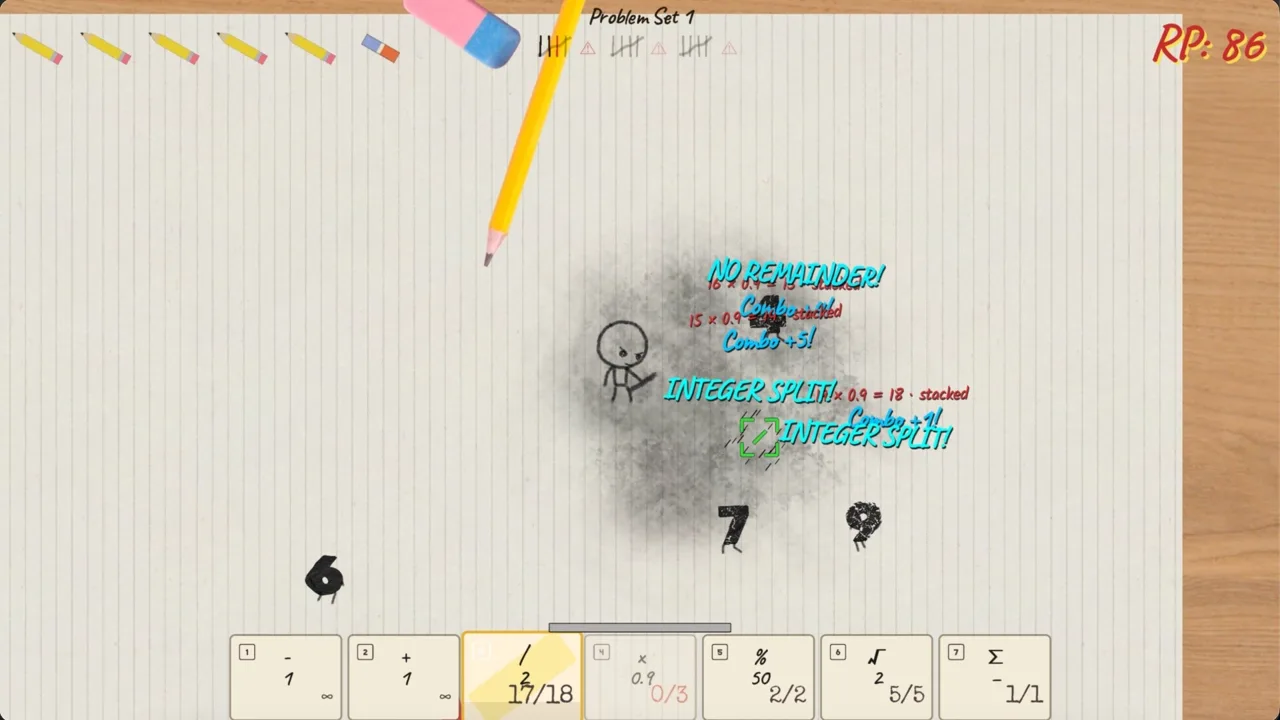
What the Editor Actually Does
The Zero Sum challenge editor turns the game from a roguelite you play into a math puzzle machine you program. You can build a set of problems, compress it into a single code, hand it to a friend or a whole Twitch chat, and get a graded Report Card back when they're done.
You'll find it in the Problem Sets section of the main game. It ships with the full release of Zero Sum on Steam, which came out on November 17, 2026 for Windows, macOS and Linux/SteamOS. The game costs $11.99, or $8.99 with the launch discount that runs until December 1.
A single problem set can control:
- Wave sequences: what spawns and in what order
- Number patterns: ranges or exact lists of enemy values
- Fixed operator loadouts: which operators the player gets
- Traps
- Resolution rules: how a number counts as solved, and what happens on a wrong hit
Built-in validation flags unsolvable configurations before you export.
Building a Problem Set Step by Step
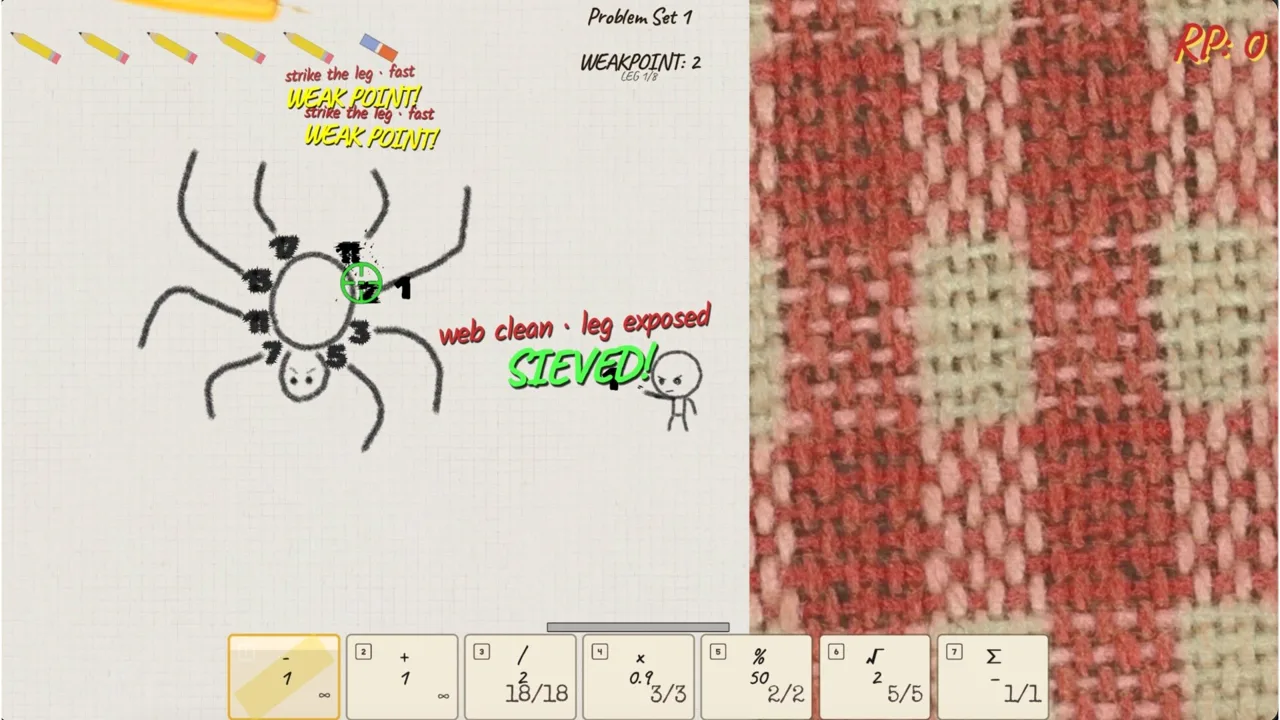 Image: Steam / Power Plins Games
- Open Problem Sets and start a new scripted set.
- Set up your patterns and loadouts. Every scripted set always has a Pattern 0 and a Loadout 0, and each wave must use a pattern. "No pattern" is not an option.
- Add waves. A fresh wave starts with working defaults, so it plays correctly in every mode right away.
- Pick between a range pattern and a List pattern. Since v1.1.0, a List pattern spawns its numbers in the exact order you typed them, which is perfect for scripted sequences.
- Hit Save & Play. The check popup lists any warnings, and it scrolls when there are a lot of them.
- Export the code once validation is happy.
These are the default values for a new scripted wave:
| Wave setting | Default |
|---|---|
| Number range | 3–20 |
| Goal | 2 |
| Operations | 5 |
Build each wave from a working default and change one value at a time. If the validation check complains, you'll know which change broke it.
A List can also be used as Judge only. The editor shows it as a set, such as 8, instead of an arrow chain.
Choosing a Combat Rule Set for Your Puzzle
Problem sets use the same rules as the three main modes. Each one asks a different question of the player:
| Mode | Goal | Operators that matter |
|---|---|---|
| Standard | Reduce (or raise) every number to exactly 0 | All seven: −, +, ÷, ×, %, √, Σ |
| Verdict | Solve a number cleanly in one operation, or get punished | ÷, √, % |
| Target | Turn each number into a specific value within an operation limit | +, ×, Σ |
Keep the clean-kill rules in mind when you write numbers. Division needs an even value and root needs a perfect square. Primes refuse to divide until someone nudges them with + or −.
- In Verdict-style sets, fill your List patterns with values that land cleanly on the operators in the loadout.
- In Standard sets, drop in a prime to force the player to set up before they can split.
Target mode is the natural home for addition and multiplication puzzles. Set a tight operation limit and the player has to plan the whole chain before the first shot. The On wrong hit setting is visible in Target mode since v1.1.0, and it always applied there. Decide whether a mistake should hurt before you share the code.
Report Cards, Grades and Snarky Teachers
Every imported problem set ends with a Report Card. As the author, you control how harsh it is:
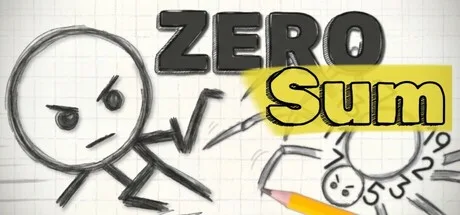 Image: Steam / Power Plins Games
- Grade thresholds: set what score earns each grade
- Teacher's name: rename the person handing out the grades
- Per-grade verdicts: write your own comment for each grade, as snarky as you like
When players finish, they get a result code to send back to you. That code is their proof they beat your score, so a challenge can run as a back-and-forth without any leaderboard.
Sharing Codes and Running Chat Challenges
Every set compresses into one share code. Copy it, paste it into Discord, or post it wherever your group hangs out. On the receiving end, players import it and play.
Streamers get a ready-made loop:
- Build a challenge in the editor.
- Drop the share code in chat.
- Viewers play it and get graded on their own Report Card.
- They send their result code back so you can check who earned the A+.
The official Steam discussion board has a dedicated thread for custom challenge codes. One early example is Prime Riddle (originally "Primzahlrätsel"), which gives you one number per wave. Your job is to reach a prime before par runs out:
ZS10-6NWN-EFK0-EJG2-Y4W2-Q62P-3G28-4A49-MDTV-NQQW-391N-08P0-EG84-G182-1WDG-0JS1-3204-8RB6-6EP9-96RJ-YTW2-6DBN-57P6-JCS1-5S4J-RJCB-4H28-MPJ5-2DN7-25JM-FQ25-PVE4-8DYW-8BWV-CYGG-C4EG-MRPN-Q6VC-071K-X6R5-HMEP-TTKQ-PYSG-FPYV-M8EY-TAA3-P2B3-SBC6-VDET-XX7Y-KDKZ-RG8A-23NA-R0G
Before v1.1.0, this puzzle exposed a softlock. A number that hit par without reaching the target stayed on the field and blocked the wave. That bug is fixed, so the puzzle now plays as intended.
What v1.1.0 Changed for Problem Sets
The November 19, 2026 patch (v1.1.0) brought a dedicated round of Problem Set fixes alongside gameplay, tutorial, controller and localization changes. Here's what affects you as a creator or player:
- List order is respected. List patterns spawn numbers in the order you typed them. Shared codes made before the patch that use a List pattern may play slightly differently now.
- Target mode misses resolve. A number that runs out of operations without hitting its goal counts as a miss and leaves the field, so the wave can end.
- No silent edits. Saving no longer changes wave 1 of an existing set behind your back.
- Less scrolling pain. The editor stays in place when you add, duplicate or delete a card, or when you change a dropdown. Draft autosave keeps running throughout.
- Steadier menus. The Problem Set library stays at the top after you open, return from or delete a set. The mouse wheel no longer closes the Save & Play popup, and its buttons always stay on screen.
- Controller fixes. The D-pad and arrow keys now move through long editor lists and scroll along with them. With a controller, you can now reach the List dropdown and number field in pattern rows.
If you shared a List-based code before November 19, replay it once and update your par or grade thresholds if the new spawn order changed the difficulty.
Using Problem Sets for Teaching
The editor's fixed loadouts make it the cleanest way to match a session to a learner's level. Give a younger player only + and −, then add division later, and leave roots and modulo for when they're ready. The default grade scale and your custom thresholds turn each session into something that looks like real homework, with a Report Card at the end.
Schools, universities and other institutions can look out for one-time-purchase volume licensing for education, which is listed as coming soon on the official Power Plins Games site.
Continue with
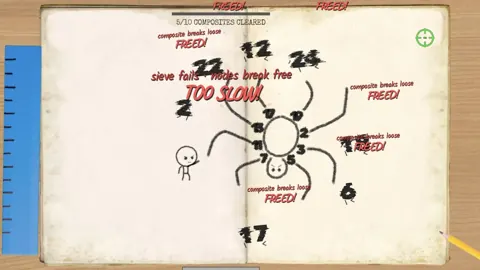 Zero Sum Difficulty Guide: Pupil, Student or Teacher?Zero Sum difficulty explained: how Pupil, Student and Teacher change enemy speed, aggro, pause and boss phases, plus tips to pick the right tier for you.
More in Modes
Zero Sum Arenas Guide: Every Map, Mode and Scoring Twist
Zero Sum arenas explained: Writing Paper, Math Paper, Cardboard and Receipt Paper, plus Verdict and Target rules, leaderboards and tips to score higher.
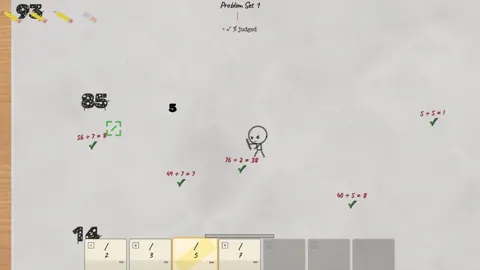
Zero Sum Challenge Codes: How to Share and Play Problem Sets
Zero Sum challenge codes turn custom problem sets into shareable puzzles. Learn how to build, import and grade them, plus a Prime Riddle code to try now.
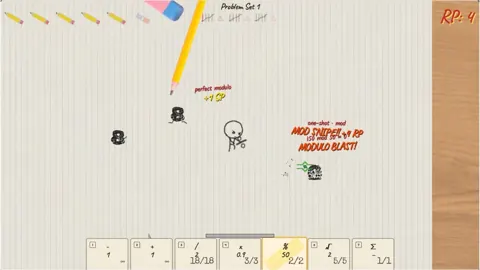
Zero Sum Modes Guide: Standard, Verdict, Target and More
Our Zero Sum modes guide breaks down Standard, Verdict and Target modes, every paper arena, difficulty tiers and the Problem Set editor. Plan your run.
Zero Sum Target Mode Guide: Rules, Tips and Custom Puzzles
Zero Sum Target Mode flips the goal: turn numbers into a target value with +, × and Σ under a strict operation limit. Get the rules, tips and share codes.
Continue exploring
Join the community
Official channels for news, updates and player help: