
Zero Sum System Requirements: Can Your Old PC Run It?
Check the Zero Sum system requirements for Windows, macOS, Linux and Steam Deck, plus storage, controller support and launch pricing before you buy it.
Jump to
What You Need to Run Zero Sum
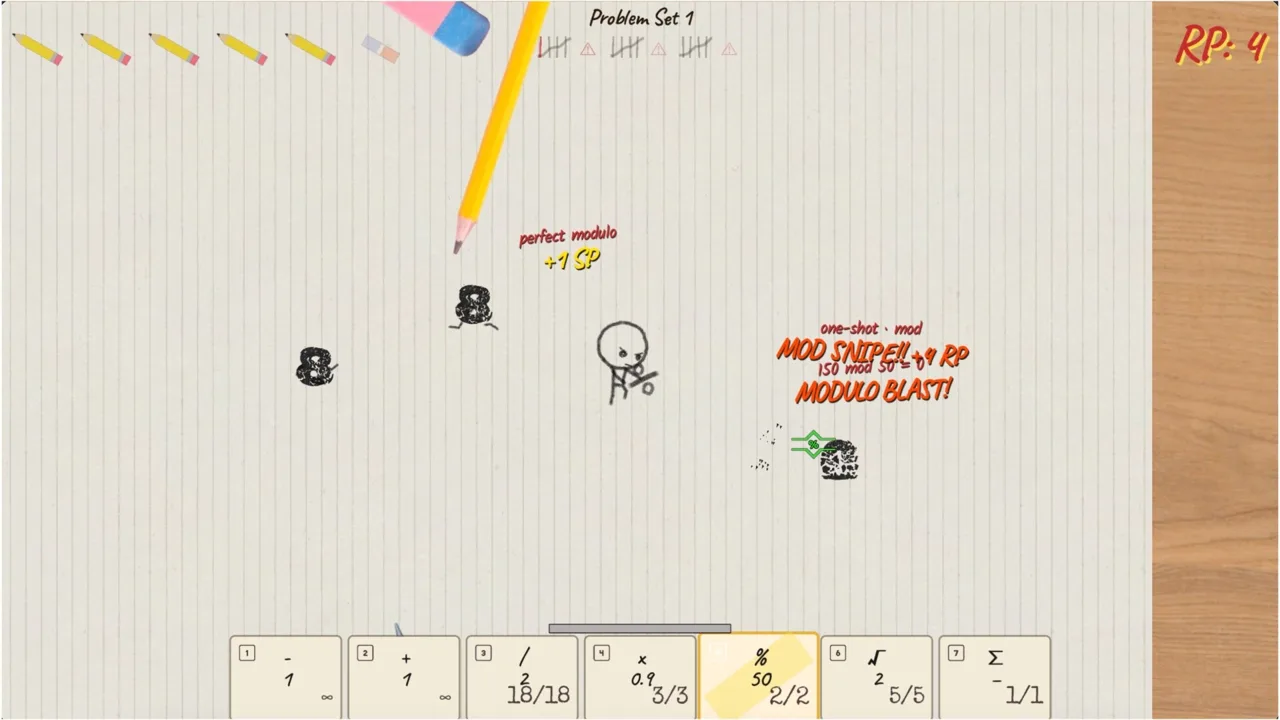
If your PC can boot Windows 10, you can almost certainly do math homework at gunpoint. The Zero Sum system requirements are about as relaxed as PC gaming gets: 1 GB of RAM, 1 GB of disk space, and a graphics card the developer calls "not really needed." That matters because Power Plins Games' pencil-on-paper twin-stick roguelite launched on November 17, 2026, and almost any laptop, desktop or handheld you own is a candidate for it.
Here's the full spec sheet for Windows:
| Component | Minimum | Recommended |
|---|---|---|
| OS | Win 10+ (64-bit) | Win 10+ (64-bit) |
| Processor | If it can survive Win11, it can survive this game | If it can survive Win11, it can survive this game |
| Memory | 1 GB RAM | 1 GB RAM |
| Graphics | not really needed | nice to have |
| Storage | 1 GB available space | 1 GB available space |
The only real difference between the two tiers is the graphics line. One hard rule: you need a 64-bit processor and operating system, so very old 32-bit installs are out.
Why Zero Sum Runs on Almost Anything
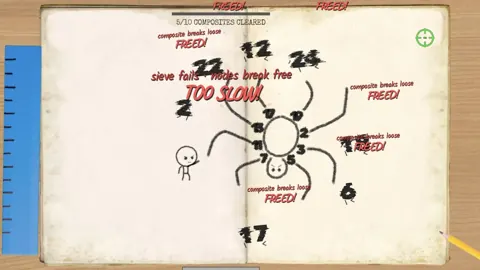
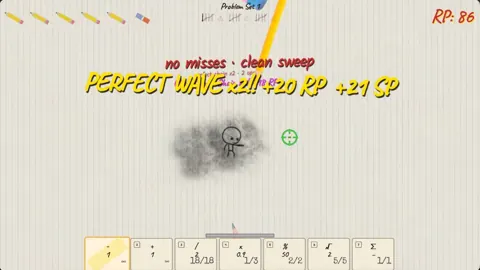
Zero Sum is a 2D, hand-drawn game built in Godot, and the art is deliberately simple: sketchy doodles on notebook paper, grid paper and cardboard.
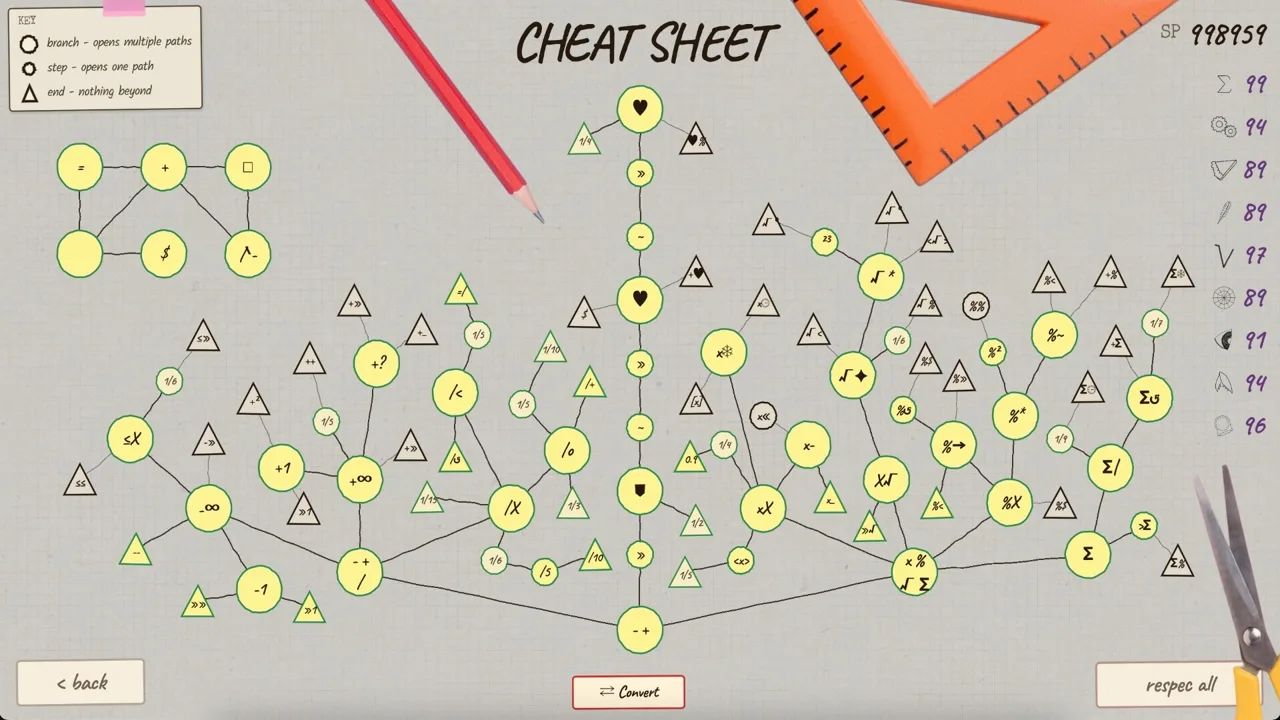 Image: Steam / Power Plins Games
The solo developer also designed some systems with performance in mind. In a pre-launch dev log, they explained how numbers stop clumping into one big death ball. Instead of relying on collision detection, which can eat CPU and GPU time, the enemies disperse when they crowd too close together or when you kite them for too long. That's good for frame rate and for your sanity when the screen fills up with numbers.
macOS, Linux and Steam Deck
Zero Sum ships natively on all three desktop platforms through Steam:
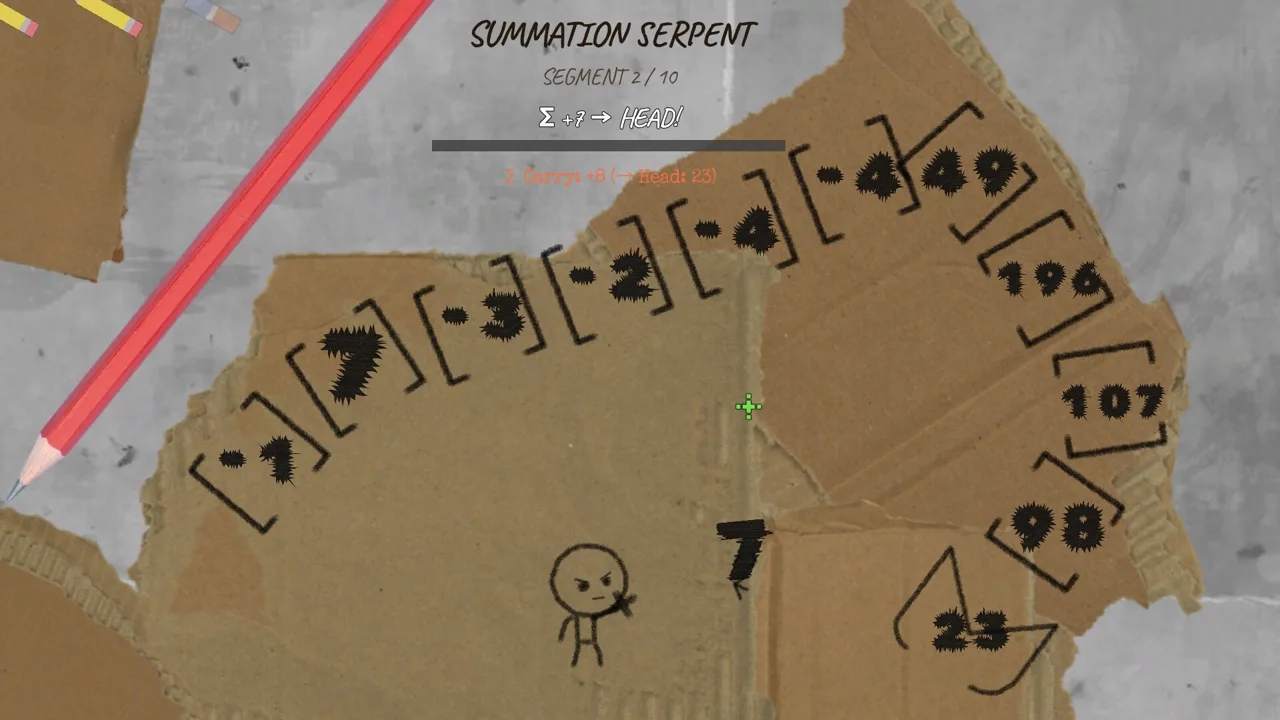 Image: Steam / Power Plins Games
- Windows: Windows 10 or newer, 64-bit.
- macOS: Native version available on Steam.
- Linux / SteamOS: Native Linux build, no Proton needed.
The developer states the game is fully supported on SteamOS, including Steam Deck and Steam Machine. It runs on Godot's Vulkan renderer, which should hand SteamOS the correct color data.
Fixing Washed-Out Colors on HDR Screens
If you play on SteamOS with an HDR TV or monitor and the game looks far too bright or oversaturated, change one setting:
- Open the Display or Battery settings in SteamOS.
- Find SDR Content Brightness.
- Drag it down to roughly 25–35% of the blue bar.
Controllers, Accessibility and Steam Features
You don't need specific hardware to play well. Zero Sum supports both mouse and keyboard and full gamepad play, and Steam lists:
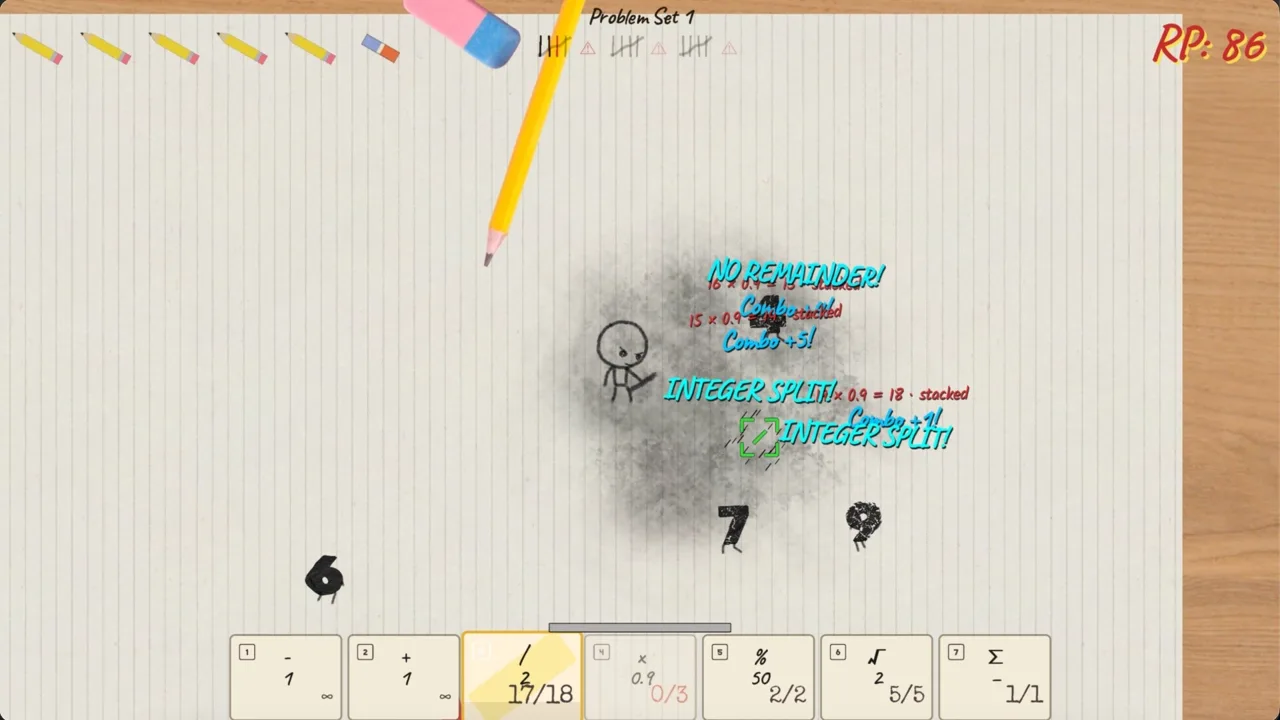 Image: Steam / Power Plins Games
- Full controller support, including DualShock and DualSense pads
- Adjustable text size
- Camera comfort options
- Custom volume controls
- Playable without timed input
- Steam Cloud saves
- Steam Achievements (60 in total) and Steam Leaderboards
- Family Sharing
- An included level editor (the Problem Set and Challenge Editor)
The v1.1.0 patch from November 19, 2026 improved controller navigation in the editor. The D-pad and arrow keys now scroll through long editor lists properly instead of jumping out of them, and the List dropdown and number field in pattern rows can now be reached with a controller. If you plan to build Problem Sets on a Steam Deck or with a gamepad, make sure you're on that version.
Steam lists no third-party DRM and no third-party account requirement for the game.
Price, Demo and Languages
Since the hardware bar is so low, the bigger question is whether the math-shooter idea clicks with you. Try the free demo before you buy.
- Price: $11.99
- Launch offer: $8.99 (25% off) until December 1
- Demo: Free on Steam
- Languages: English, French, German, Japanese, Korean, Simplified Chinese, Traditional Chinese, Spanish (Spain), Russian, Spanish (Latin America), Indonesian and Thai
You can grab the full game or the demo from the Zero Sum Steam page. Volume licensing for schools and other institutions is listed as coming soon on the Power Plins Games website.
Reporting Performance or Technical Problems
If something breaks, the developer asks for bug reports on the Steam discussion board or by support email. Include:
- What happened and what you expected
- Mode, map and difficulty (Pupil, Student or Teacher)
- Your OS (Windows, macOS, Linux, Steam Deck, Steam Machine or SteamOS) and input method
- A screenshot or short clip if possible
v1.1.0 has already fixed several wave softlocks, including a Σ ammo bug, a Target mode issue where unsolved numbers blocked the wave, and a Cardboard map problem where remainder numbers could be knocked out of the arena. Update before you troubleshoot anything else.
FAQ
How big is the Zero Sum download?
It needs about 1 GB of free storage on Windows.
Do I need a graphics card to play Zero Sum?
No. The minimum spec calls a GPU "not really needed," and the recommended spec only calls one "nice to have."
Does Zero Sum work on 32-bit Windows?
No. It requires a 64-bit processor and a 64-bit operating system, running Windows 10 or newer.
Is Zero Sum playable on Steam Deck?
Yes. The developer lists full support for SteamOS, which includes Steam Deck and Steam Machine, and the game has full controller support.
Continue exploring
Zero Sum Controls: Mouse, Gamepad, Dash and Pause Guide
Master Zero Sum controls on mouse, keyboard or gamepad: dashing, operator swaps, pause rules by difficulty, and Steam Deck tips to keep your math clean.
Zero Sum Reddit Guide: Community, Codes, Bugs and Tips
Looking for Zero Sum Reddit threads? Find where players share challenge codes, report bugs, and swap tips for the math roguelite, plus what v1.1.0 fixed.
Join the community
Official channels for news, updates and player help: