Zero Sum Controls: Mouse, Gamepad, Dash and Pause Guide
Master Zero Sum controls on mouse, keyboard or gamepad: dashing, operator swaps, pause rules by difficulty, and Steam Deck tips to keep your math clean.
Jump to
How Zero Sum Controls Work
In Zero Sum, a single misfire can turn a clean kill into a pile of angry remainders, so your inputs matter as much as your arithmetic. Learning the Zero Sum controls well frees your attention for the part that matters: deciding whether that 72 gets divided, rooted or chipped down with minus. The game is a twin-stick shooter at heart. You move with one input, aim with the other, and fire operators instead of bullets.
Power Plins Games built it with full support for both setups:
- Mouse and keyboard. Move on the keys and aim with the mouse.
- Full controller support. The left stick moves you and the right stick aims. DualShock and DualSense pads are supported natively.
Your "weapons" are the seven operators: +, −, ÷, ×, %, √ and Σ. Across them there are 22 firing modes to unlock. You swap between operators mid-wave, and ammo for each one is limited. Get used to switching quickly. Picture a 48 charging at you: hit it with ÷2 until it drops to 3 (24, 12, 6, 3), then swap to minus to finish it off. Clean, fast swaps keep your Clean Combo Multiplier alive.
Tips for operators:
- Treat +1, −1 and ×1 as emergency tools. Shots with these don't build combos, while anything outside them earns combo multipliers and shop currency (RP).
- Don't spam ÷ or √ at numbers that can't take them. A sloppy hit spawns extra enemies and breaks your streak.
Sprint and Dash: Your Real Defense
The tutorial includes a wall of numbers you can only get past by dashing through it. Dash isn't just for escaping. A number that is charging at you won't stop its charge, so dashing straight through it puts the charger behind you and opens up distance.
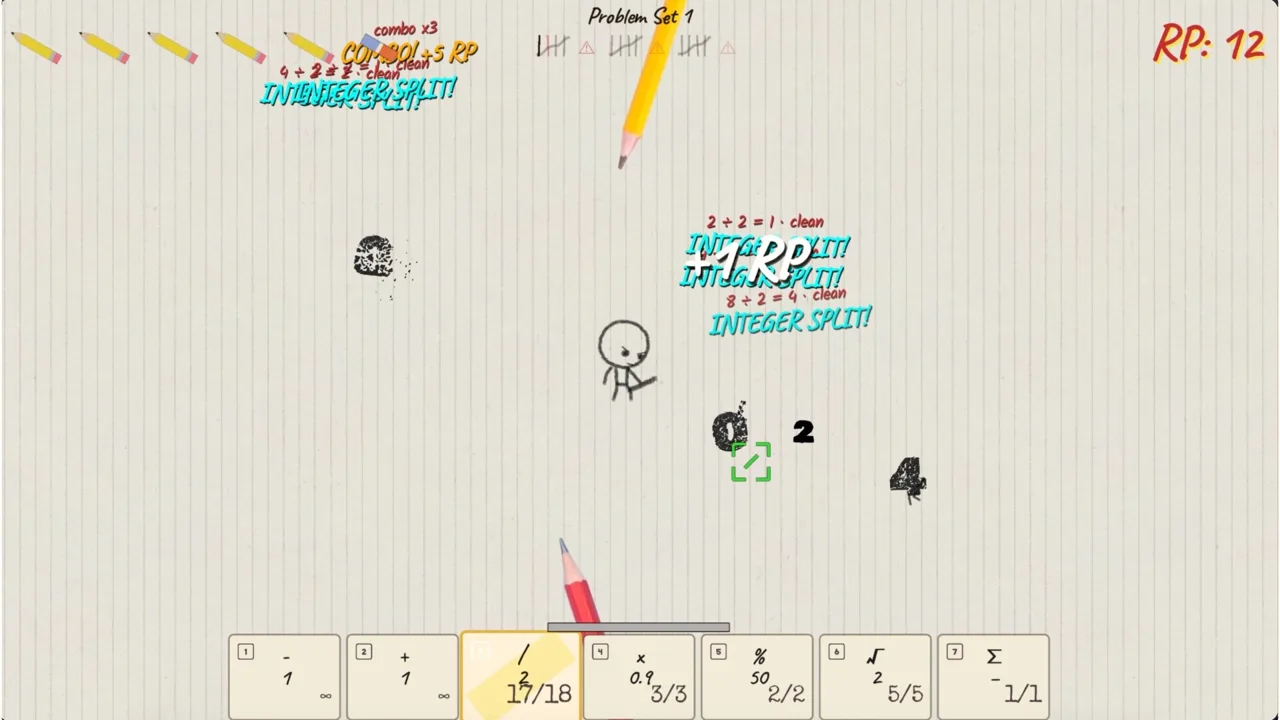 Image: Steam / Power Plins Games
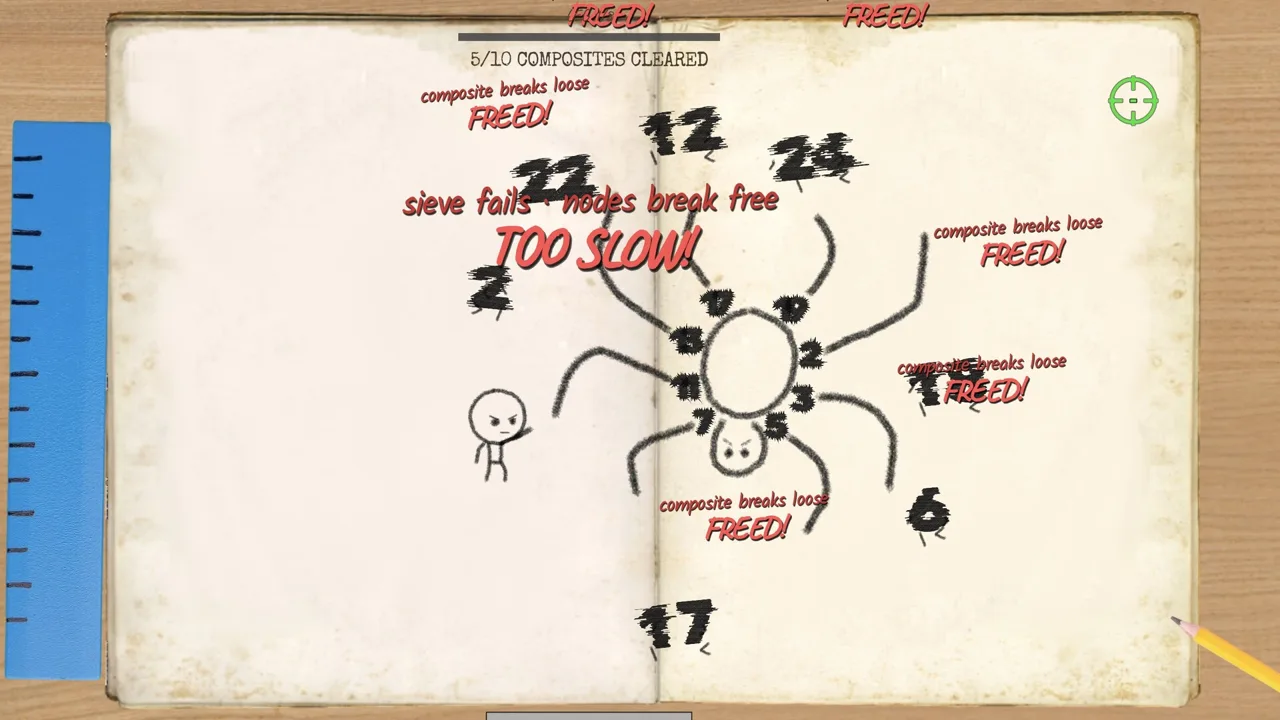
Enemy numbers have three states: walking, running and chasing. Hitting a number raises its aggro. On the lower difficulties, aggro wears off after a while and the number goes back to walking. Stationary Tanky numbers return to standing still. This rule was added so that one bad shot doesn't snowball into a whole lost wave. It also makes sprint and dash upgrades more valuable.
Numbers also spread out on their own if they bunch up too tightly or if you kite them for too long. Use that behavior:
- Circle the arena to break up a death ball.
- Then pick off the numbers one at a time.
- When kiting isn't enough, crowd-control modes buy you room. Slow Field (×0.9) slows numbers down, while Sum Barrier and Σ merge a swarm into a single target.
Pausing and Difficulty
Whether you can pause depends on the difficulty you pick in the loadout.
| Difficulty | Pause | Enemy pressure |
|---|---|---|
| Pupil (Easy) | Active pause available | Slower numbers. They only start running after the 2nd hit, and Tanky numbers walk first. |
| Student (Normal) | No pause | Numbers run after the first hit but lose aggro after a while. This is the intended difficulty. |
| Teacher (Hard) | No pause | Numbers never lose aggro. Bosses get extra phases. |
Waves are short, and the shop between waves gives you a natural breather. If doing math while moving feels too fast, start on Pupil. It was retuned before launch to give you more thinking time per number. On Student and Teacher, use the shop screen to plan your next loadout instead of pausing.
Reading the Battlefield
Fast inputs only help if you can read what's on screen. Zero Sum includes several visual and comfort aids:
 Image: Steam / Power Plins Games
- Color-coded player numbers. Your shots look different from enemy numbers.
- Operator value on your character. The value is shown directly on you, so you always know what your next shot will do.
- A distinct font for your bullets. It makes your projectiles easier to tell apart from enemy digits.
- Comfort options. Adjustable text size, camera comfort settings and custom volume controls.
Number textures always mean something, including on bosses. Learn what they signal and you can react before a fast number reaches you.
The game also has a Teacher's Combo Guide button in the loadout. If you keep finishing waves without a Perfect Wave, squiggly arrows start piling up around that button. Open it. It explains combos and enemy behavior that the short tutorial leaves out.
Controller Support in the Problem Set Editor
The Challenge Editor also works on a pad. The v1.1.0 update on November 19, 2026 improved it in two ways:
- The D-pad and arrow keys now move through long editor lists properly and scroll with them, instead of jumping out of the list.
- In pattern rows, the List dropdown and the number field can now be reached with a controller.
The same patch also stopped the editor from snapping back to the top whenever you add, duplicate or delete a card. Building a problem set from the couch is now a lot smoother.
Steam Deck and SteamOS Setup
Zero Sum is fully supported on SteamOS, including Steam Deck and Steam Machine. If the game looks oversaturated or washed out on an HDR TV or monitor, do the following:
- Open the Display or Battery settings.
- Find SDR Content Brightness.
- Set it to roughly 25–35% of the bar.
The game needs only 1 GB RAM and 1 GB of storage.
You can grab the full game or the free demo on the Zero Sum Steam store page. There is more about the studio on the official Power Plins Games website.
FAQ
Can I play Zero Sum with a PlayStation controller?
Yes. Both DualShock and DualSense controllers are supported, along with full controller support in general.
Is there a pause button?
Only on Pupil (Easy) difficulty. Student and Teacher have no pause, so use the shop between waves to catch your breath.
Why do numbers keep chasing me after I miss?
A hit puts a number into its running or chasing state. On Pupil and Student it calms down after a while. On Teacher it never loses aggro, so dash through chargers and kite until the crowd spreads out.
Continue with
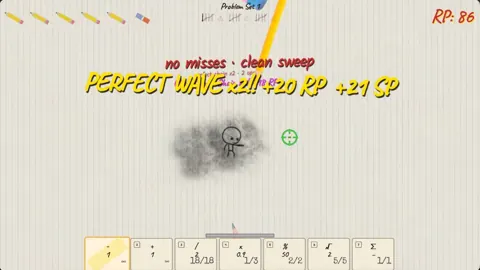 Zero Sum Reddit Guide: Community, Codes, Bugs and TipsLooking for Zero Sum Reddit threads? Find where players share challenge codes, report bugs, and swap tips for the math roguelite, plus what v1.1.0 fixed.
More in Guide
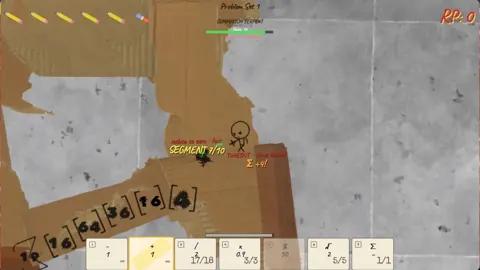
Zero Sum Beginner Guide: Master Operators and Clean Kills
Our Zero Sum beginner guide covers every operator, clean kills, difficulty picks, the shop loop and boss basics so your first runs end at exactly zero.
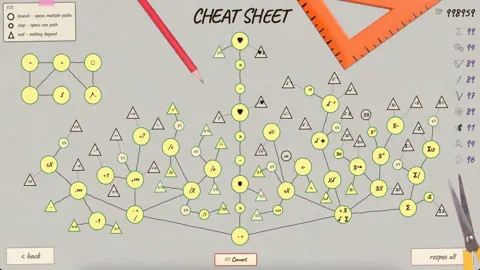
Zero Sum Clean Combo Guide: Build Huge Multipliers Fast
Master the Zero Sum clean combo: learn which shots count as clean, how to chain operators, and how to farm Perfect Waves for RP and leaderboard scores.
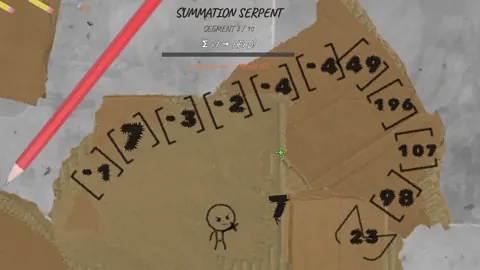
Zero Sum Walkthrough: Maps, Bosses and Clean Combo Tips
Our Zero Sum walkthrough covers every operator, all six paper maps, the nine math bosses and the combo tricks that turn messy runs into Perfect Waves.
Join the community
Official channels for news, updates and player help: